Make the photo feel like the moment.
Photography and editing guides for iPhone and Android, made with the tools inside Simul Studio.
 19 November 2026
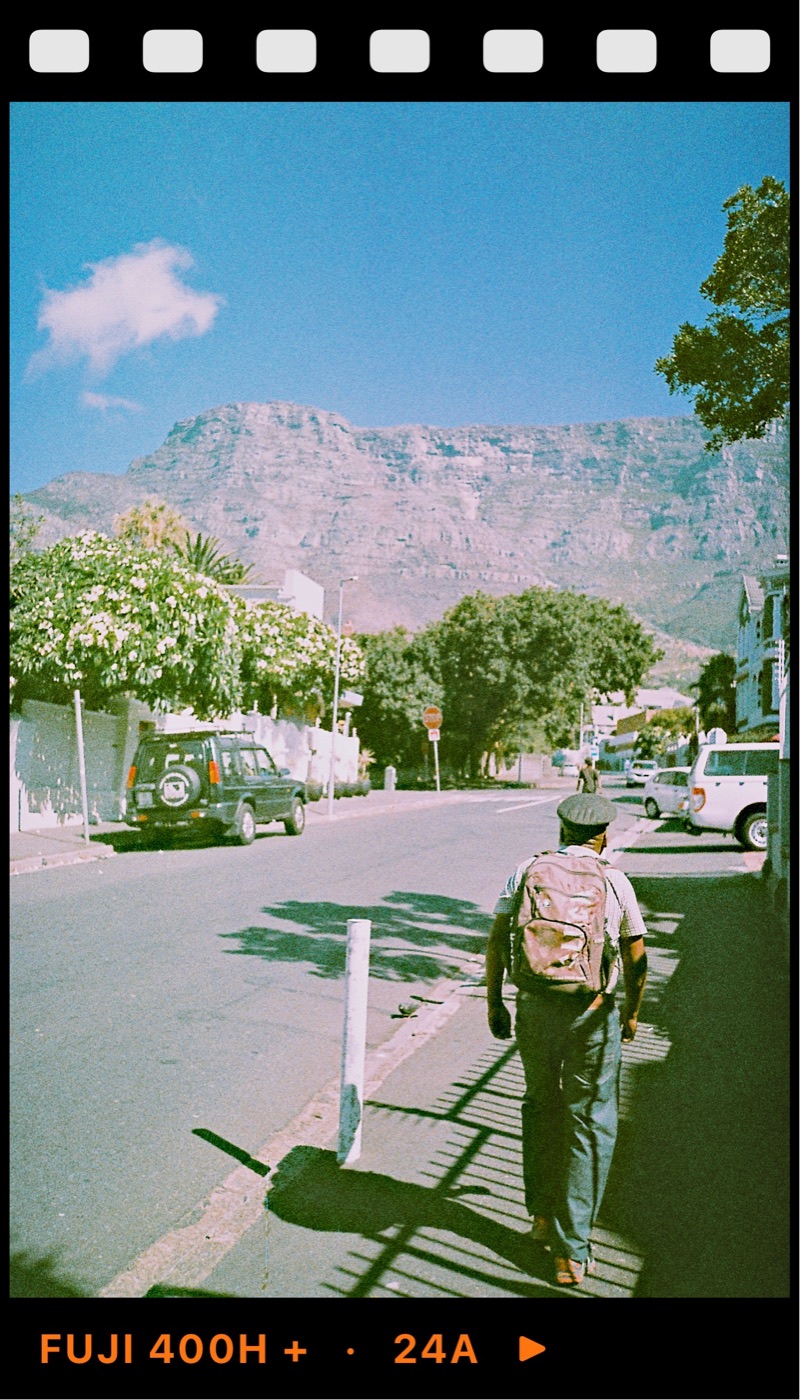
Film photos vs film filters: what actually looks different
Film photos vs film filters: the real differences in highlights, colour, grain and glow, why many filters look fake, and how to make a phone edit closer to film.
 16 November 2026
Film grain effect: how much grain to add to a phone photo
Film grain effect explained: what grain is, why faster film is grainier, how it differs from digital noise, and how much to add to a phone photo.
 9 November 2026
Film look travel photos on your phone: a trip guide
How to get a film look for travel photos on your phone: shoot the trip as a story, read the light, keep one or two looks for a consistent set.
 2 November 2026
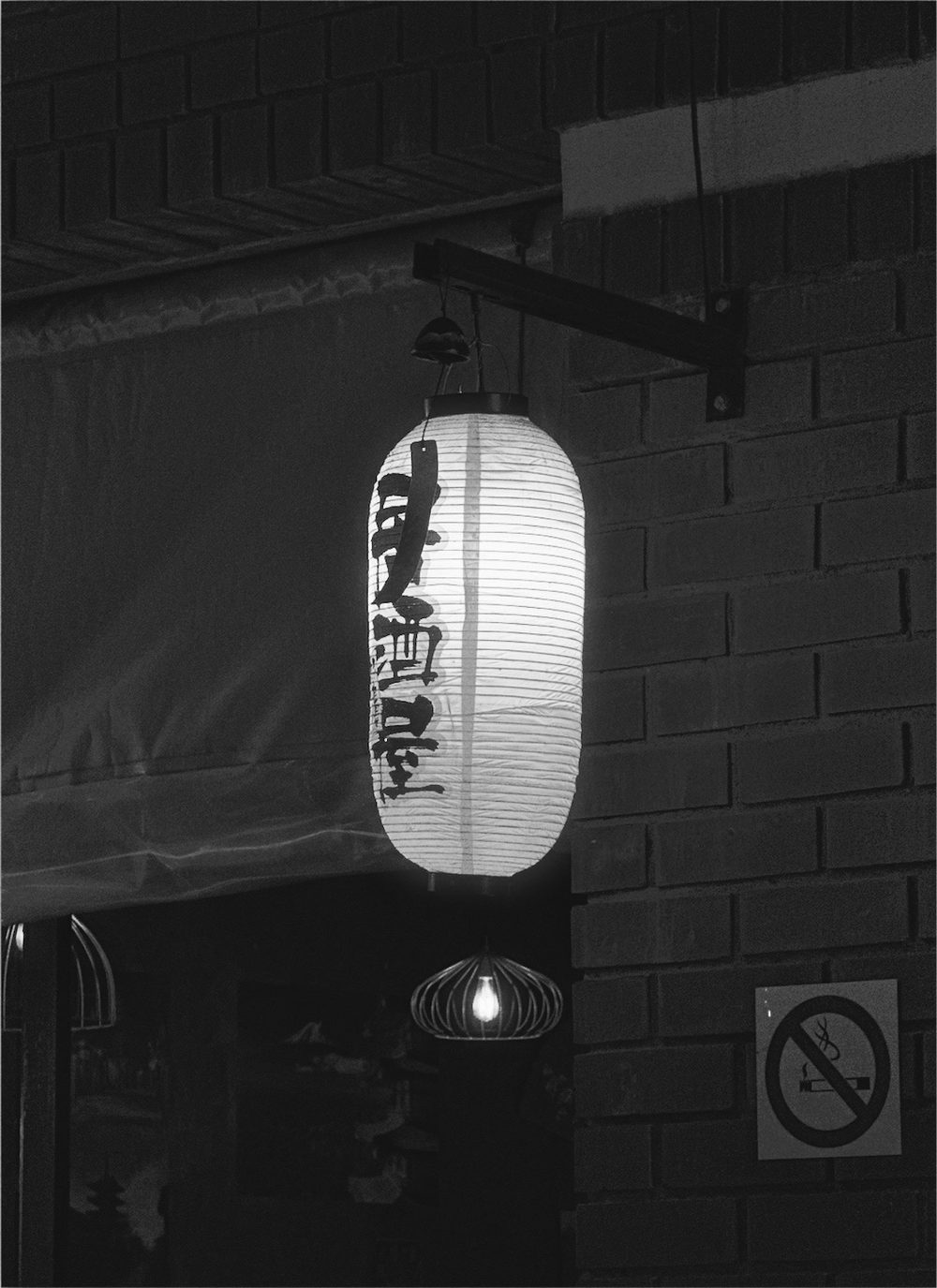
Night photos with a film look on iPhone
Take night photos with a film look on iPhone: handle mixed light, keep blacks black, use grain and halation for glowing lights, and hold the phone steady.
 26 October 2026
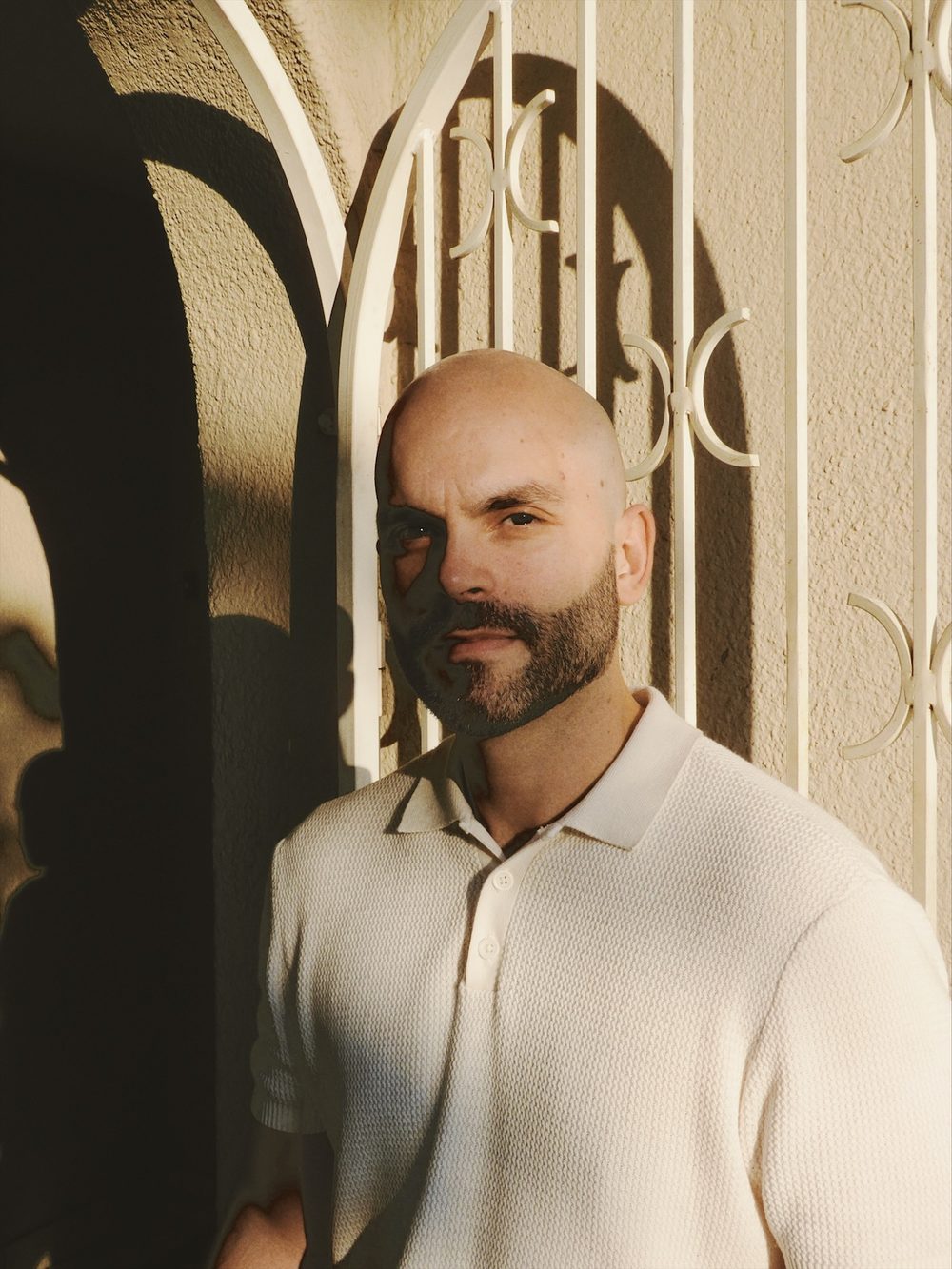
How to take disposable camera photos at a party
How to get disposable camera photos at a party or night out: direct flash, the right distance, candid moments, and shooting a roll without reviewing shots.
 19 October 2026
Black and white photography on iPhone for beginners
A beginner's guide to black and white photography on iPhone: seeing in tones, working with light and contrast, choosing subjects, and adding grain.
 28 September 2026
From camera roll to finished share: a calm phone-only workflow
A calm phone-only photo workflow: choose one image, set the crop and light, add colour and texture, frame with purpose, then export.
 21 September 2026
How to use frames without making a photo feel overdesigned
A practical guide to white, black, colour, Polaroid, and 35mm frames in Simul—plus when to leave a photo unframed.
 14 September 2026
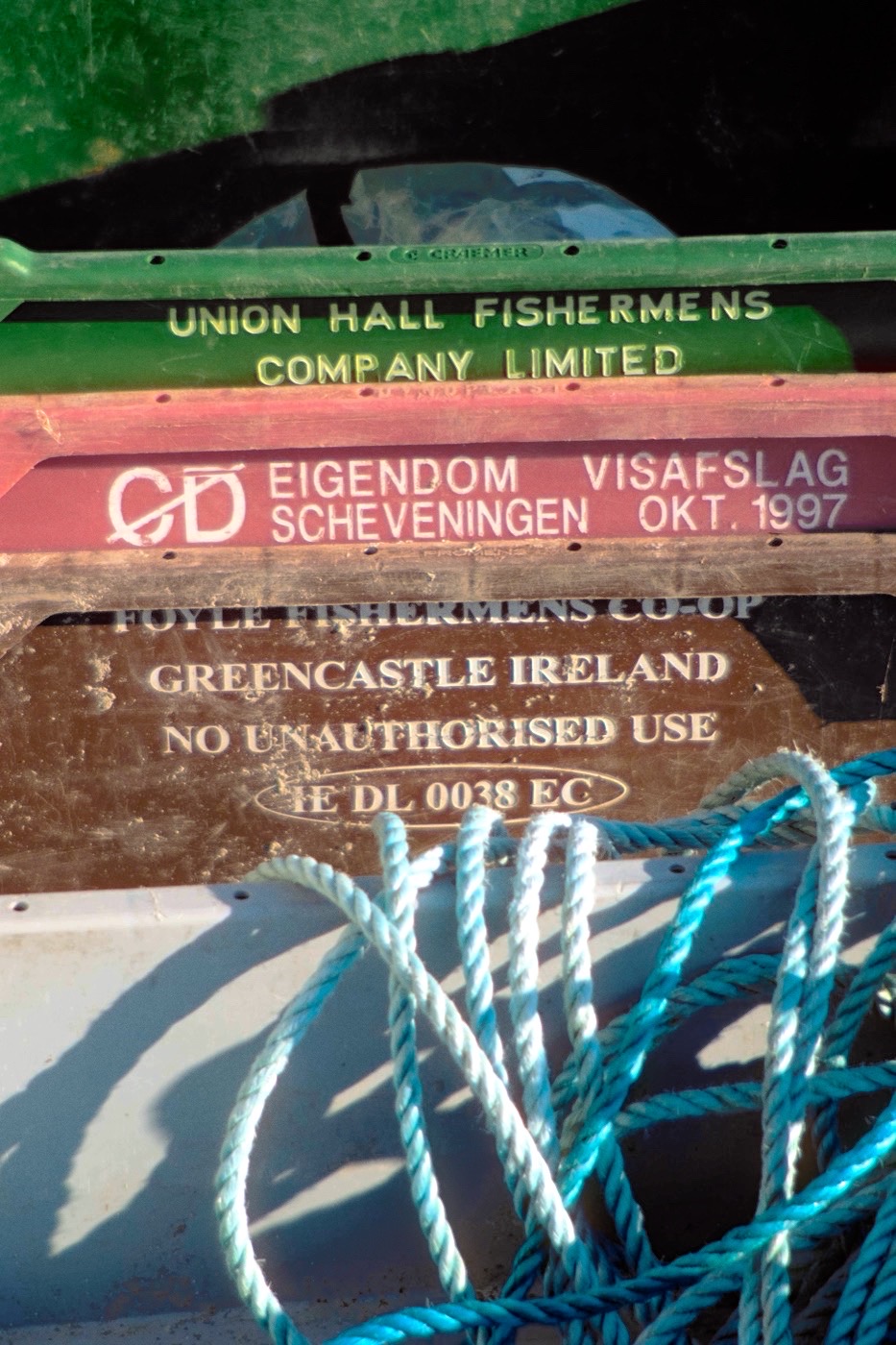
Why your film preset looks wrong — and what to adjust first
Learn how to rescue a film-inspired preset by checking exposure, white balance, contrast, and texture in the right order.
 7 September 2026
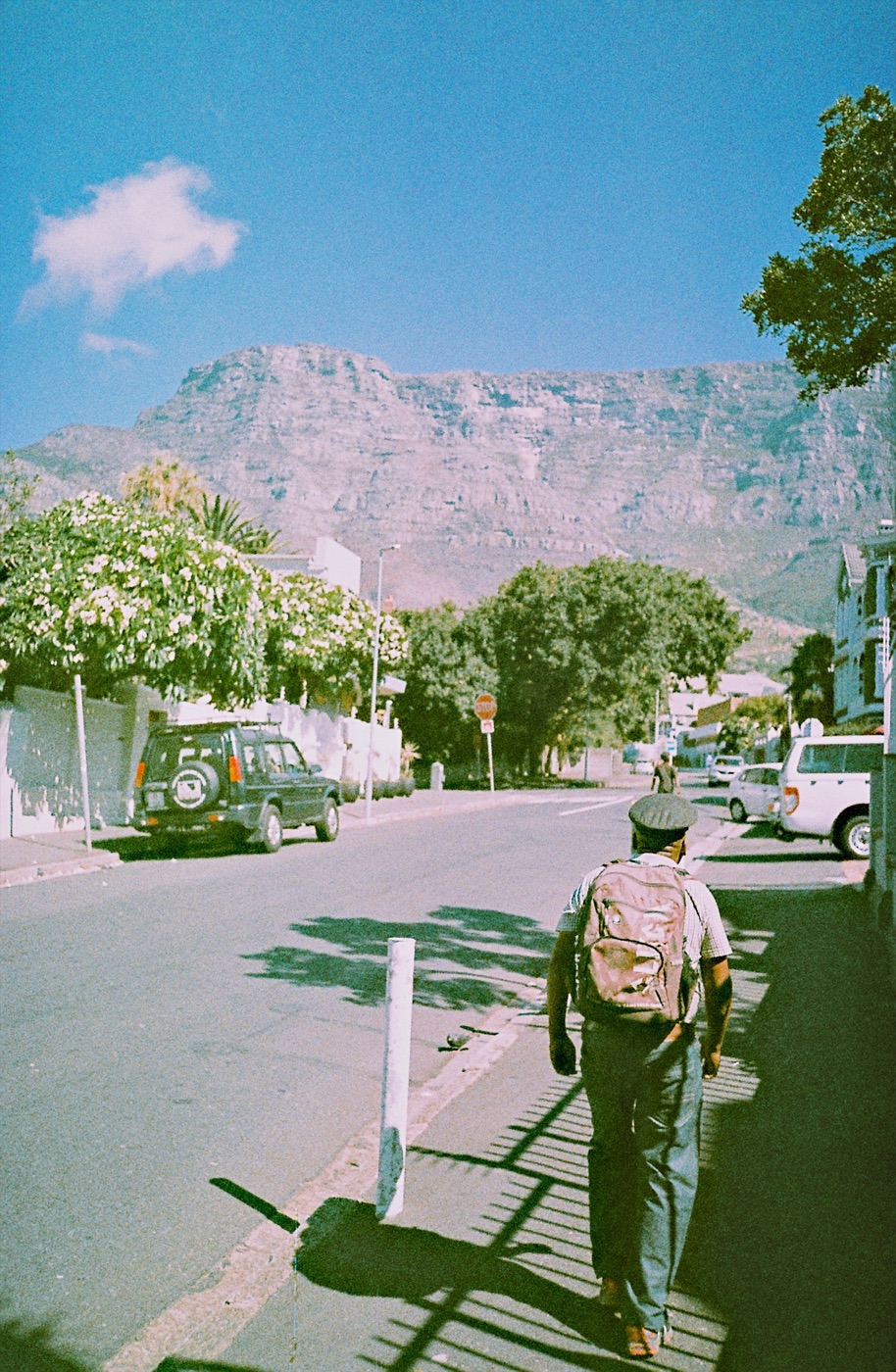
How to choose a film-inspired edit for hard, soft, or mixed light
A practical guide to choosing a film-inspired edit for hard, soft, and mixed light without flattening the scene.
 24 August 2026
Five iPhone photo subjects that look better with a film-inspired edit
Five everyday iPhone photo subjects that work especially well with a restrained film-inspired edit.
 17 August 2026
Why your iPhone photos feel too clean — and how to give them character
Why phone photos can feel clinical, and how restrained light, colour, and texture choices give them character.
 10 August 2026
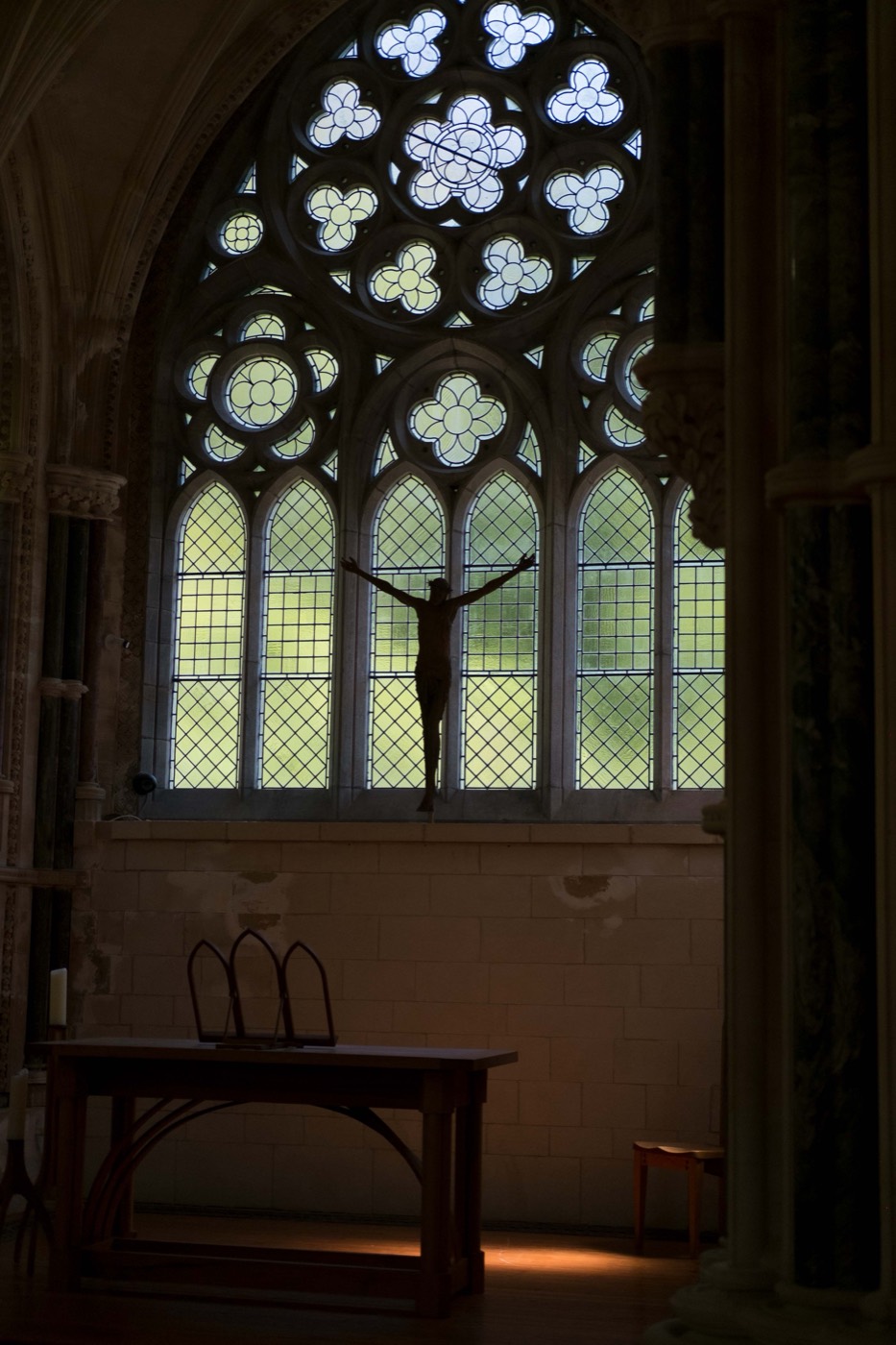
A beginner’s guide to grain, contrast, and warm tones in film-style edits
Learn how contrast, warmth, and grain work together in a calmer iPhone photo-editing workflow.
 3 August 2026
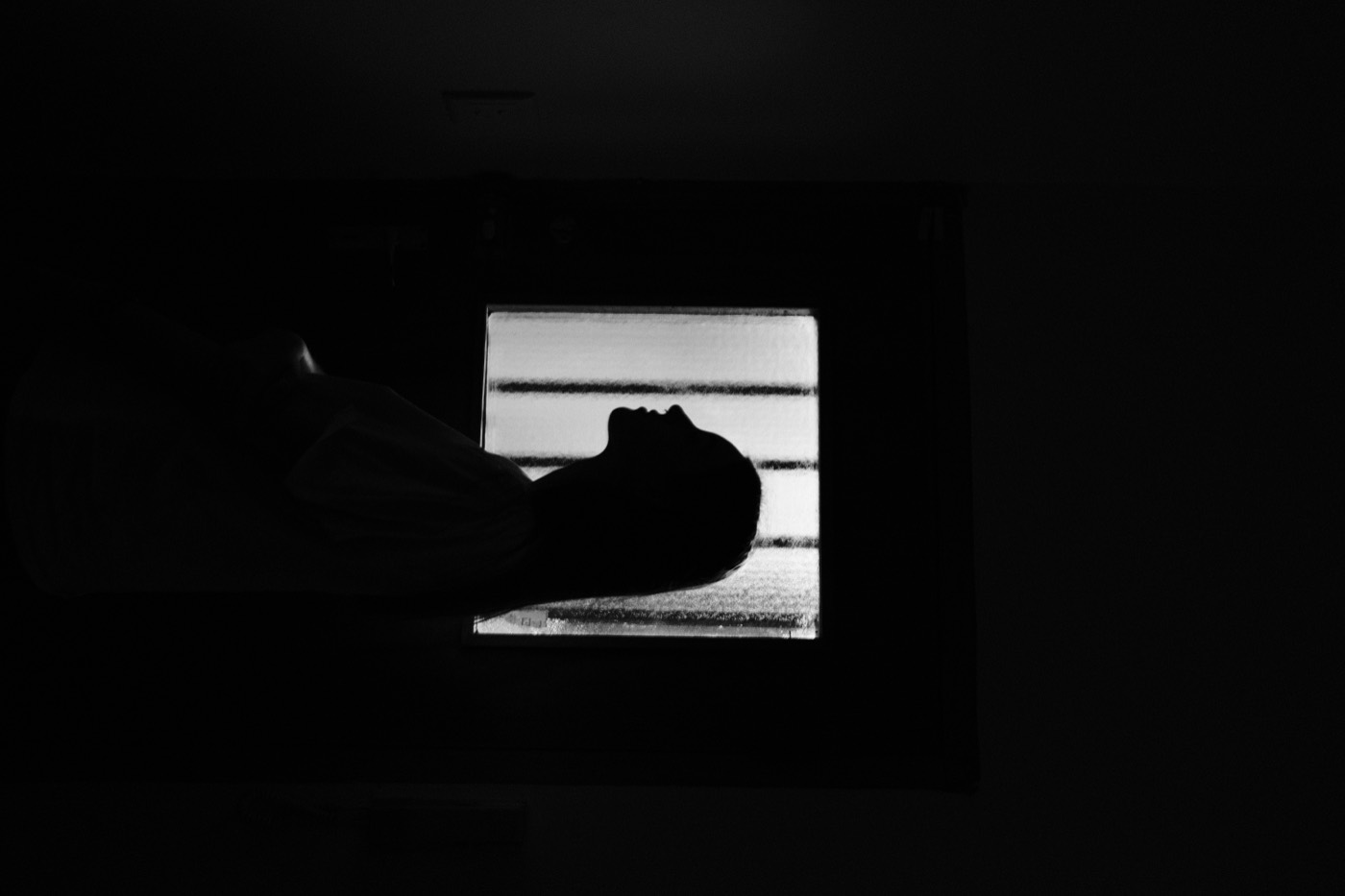
How to make iPhone photos look like film without overediting
A practical, film-inspired editing workflow for iPhone photos: light first, colour second, grain last.